 ConSprint Help
Quick start
From zero to your first planned costume in a few minutes.
Create an account
Tap Start your quest, it's free on the home page, or go straight to consprint.com/register.
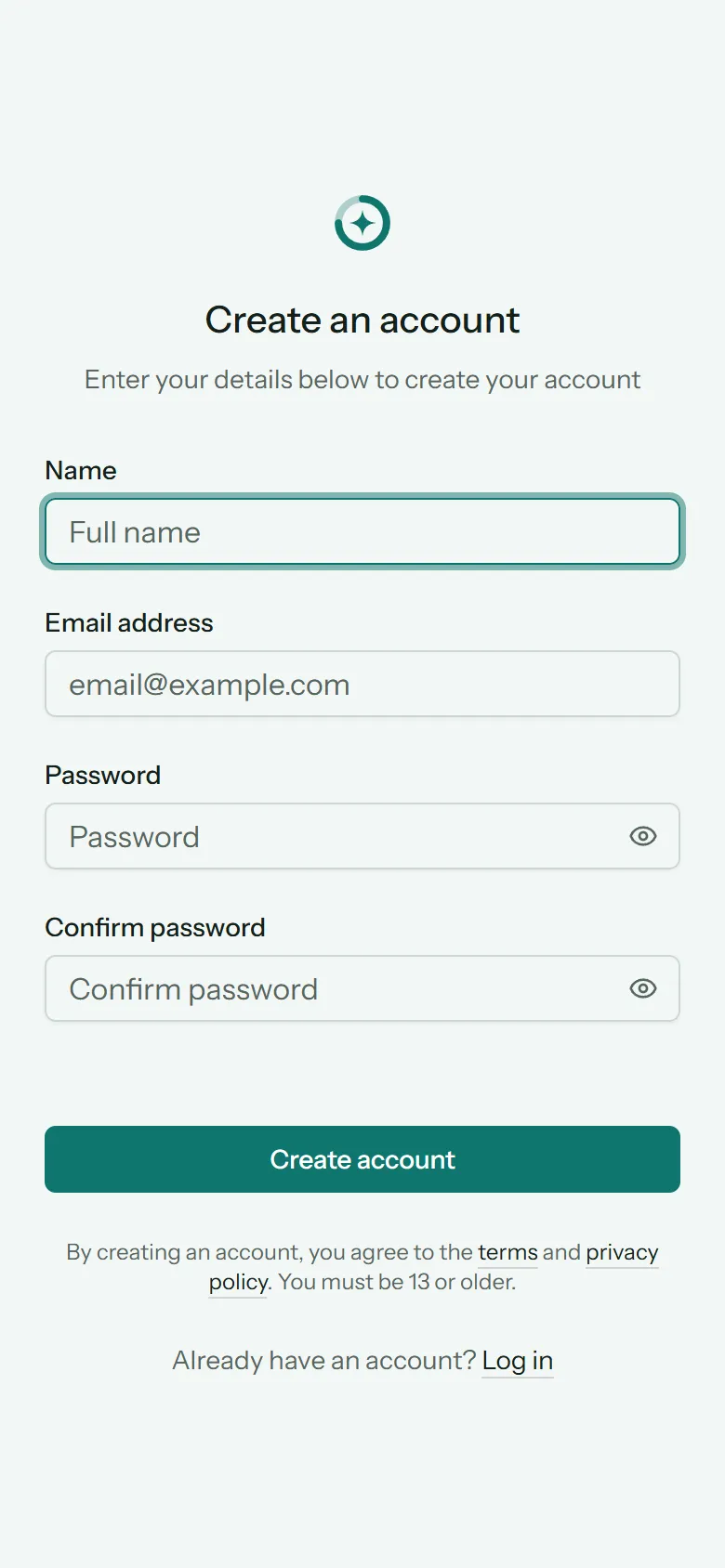
Fill in your name, email address and a password (twice). ConSprint is free, so there's nothing to pay and no card to enter.
Note
Accounts are for people 13 and older. Younger cosplayers are welcome to plan on a parent's or guardian's account.
ConSprint picks up your timezone from your browser and starts you on US dollars. You can change both in Your account.
Verify your email
We send you an email with a link. Tap it to finish signing up. Until you do, ConSprint asks you to check your inbox.
Tip
No email after a few minutes? Check your spam folder, then use Resend verification email on the page ConSprint shows you.
Try the sample quest
A brand-new account shows an empty dashboard with two buttons: one to start your own quest, and Try a sample quest. The sample is a ready-made plan to poke around in. Mark steps done, log time, change anything. Delete it whenever you like.
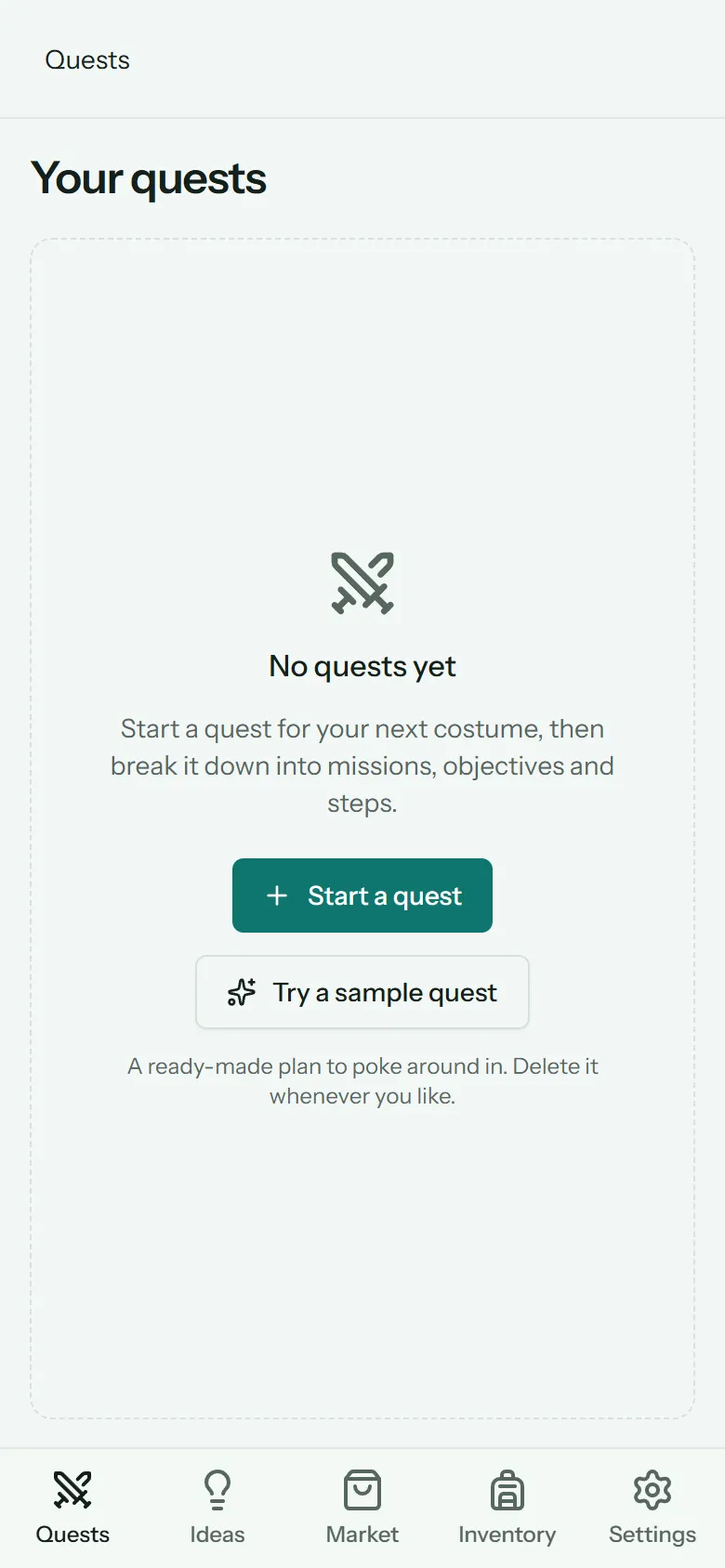
Plan your first build
- Tap + and fill in the quest: its name, the character, your con and its date, and your budget.
- Add the big pieces of the costume as missions (helmet, chest plate, cape).
- Break each mission into objectives, and those into steps, each with a time and cost guess. See Missions, objectives and steps.
- Set how many hours a week you can put in, and ConSprint tells you whether you'll finish in time. See Schedule and pace.
- Add what you need to buy to the Market.
Short tips appear the first time you open each screen. Close them with the ×. You can bring them back from Settings › Profile › Show tips again.
Get around
On a phone, the bar at the bottom takes you everywhere:
| Tab | What's there |
|---|---|
| Quests | Your dashboard: every quest, soonest con first |
| Ideas | Your ideas board |
| Market | The shopping list for all your quests |
| Inventory | Your supply closet |
| Settings | Your account, themes and notifications |
On a computer, the same places are in the sidebar on the left.